Voice agents
Manage agents used on calls and review configuration before putting the workflow into operation.
See how it works Zild Voice
Operate inbound and outbound calls with SIP or PSTN connectivity, transcription and human handoff. Connect telephony to company context and track what happened on each call.
Manage agents used on calls and review configuration before putting the workflow into operation.
See how it worksOrganize numbers associated with operations and confirm the configured telephony path.
See how it worksManage batch calling campaigns and find records by status and period.
See how it worksStart, monitor, transfer and end calls through the interface according to user availability.
See how it worksReview call status, transcription, routing and failure evidence to understand each interaction.
See how it worksTrack volume and results in the dashboard and investigate calls that need attention.
See how it worksExplore improvements and how to use them. Availability depends on your deployed version and environment configuration.
Custom dynamic variables received through the ElevenLabs integration are persisted with the conversation.
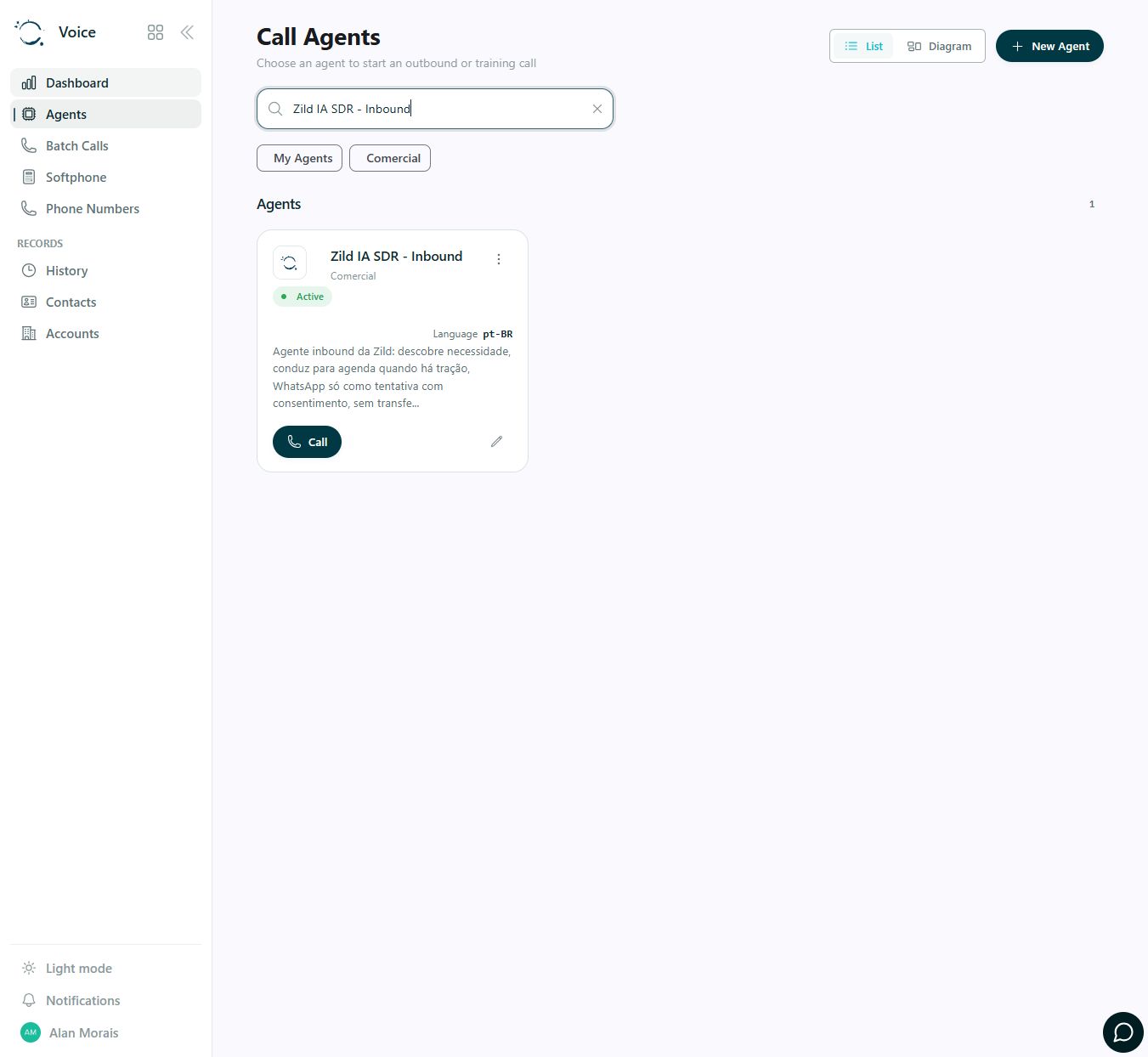
Find the configured agent and access the App’s telephony features. This actual capture shows a search for a Zild institutional agent and navigation to batch calls, softphone and history.
Confirm agent, number, campaign and routing.
Receive or start calls through configured telephony.
Bring the conversation to a person when needed.
Review transcription and history to track the outcome.
Telephony, voice and other external services depend on configured integrations and credentials. Usage is paid to the respective providers.
FROM APP TO PROCESS
These guides help define data, integrations, responsibilities and acceptance criteria for your configuration.
Plan the conversation to identify the order, capture its status and route exceptions. Updating the work-order system requires its own integration and confirmation.
Plan this process: Collect service-order contextPrepare voice agents to collect information and transfer incidents requiring human decisions. Calls complement delivery events; they do not replace tracking.
Plan this process: Support logistics communicationTalk to Zild to map the first use case, access and configuration your team needs.